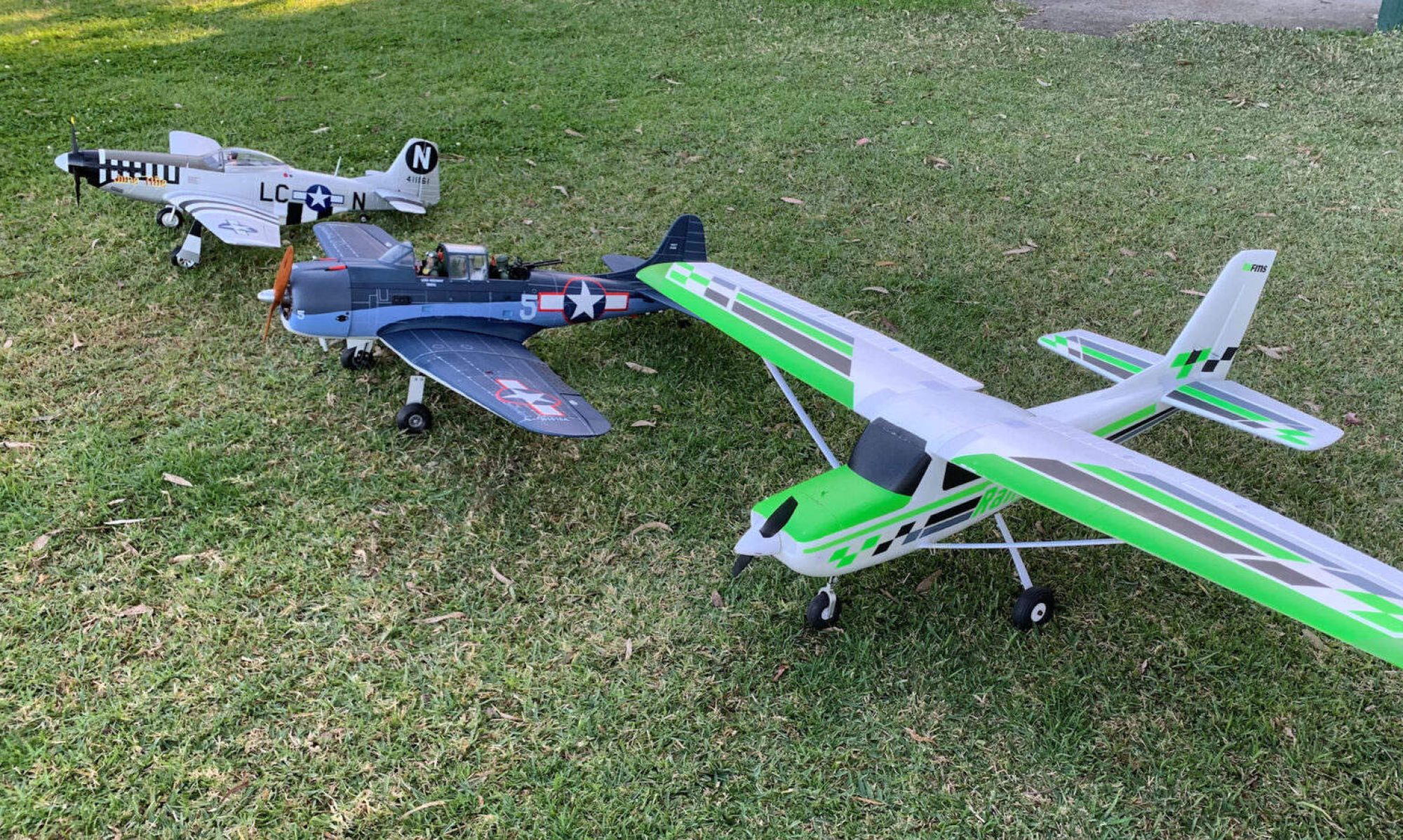

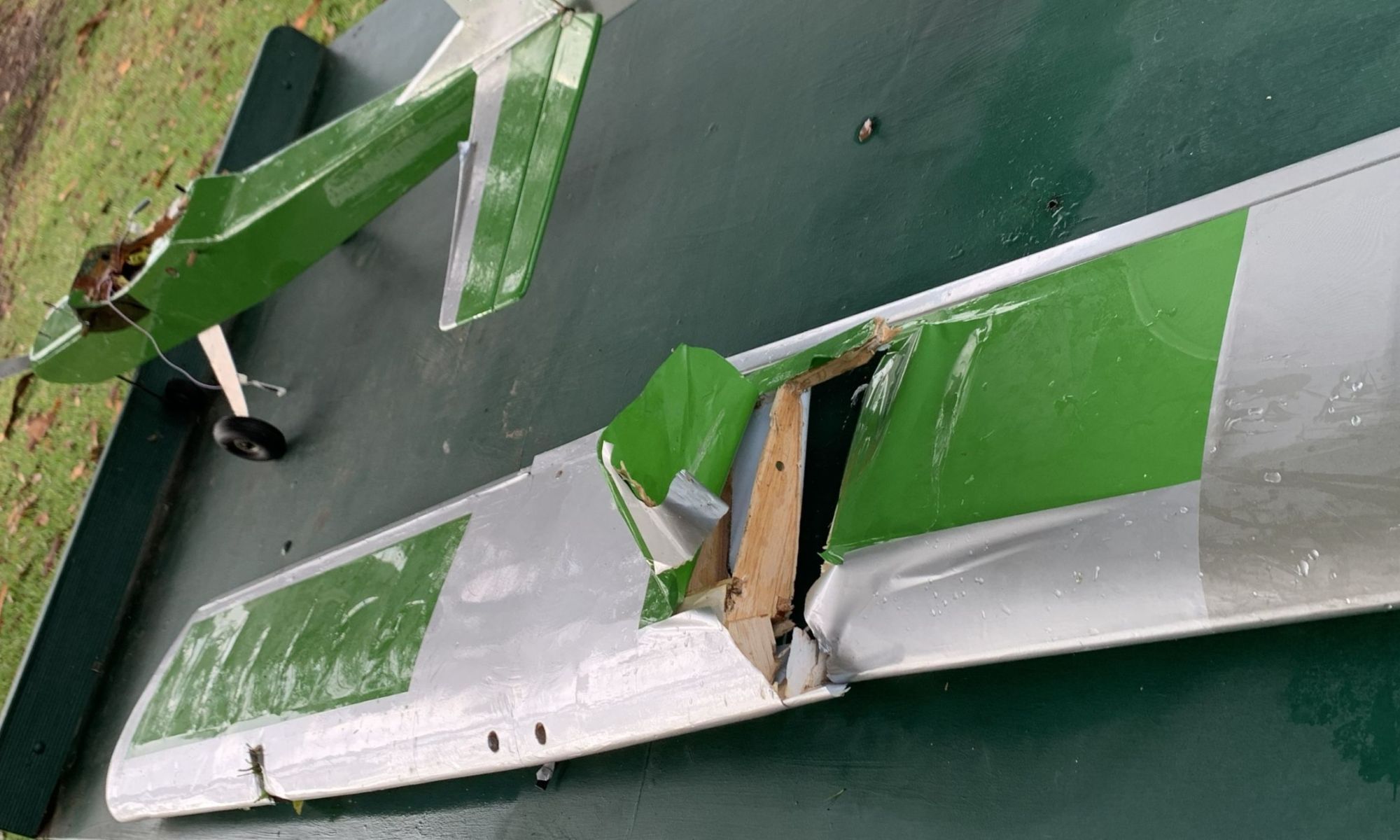
This time I didn’t crash my plane. The flight controller did it!
No, it wasn’t air traffic control, it was that little thing inside my plane. Unfortunately, my ignorance was what allowed it to happen.
I have had several flights with this plane using a Blueberry flight controller. In its very first flight it tried to commit suicide a couple of times. In manual mode, minding its own business, going through a gentle left hand turn, it violently rolled to the right. Fortunately, I was able to recover from both of those incidents, and it hasn’t happened again. But yesterday, something far worse happened.
From the start I had noticed that several times when I powered up the plane, not all of the battery information was coming through in telemetry. And, in particular, it was constantly calling out a critically low battery voltage condition and repeatedly vibrating the transmitter.
In earlier flights, after checking the voltage in telemetry under the model menu, I simply turned off the speaker volume and ignored the vibrations. But later, in bench testing, I discovered I could power down the transmitter turn it back on again, and everything was fine.
So, yesterday at the field I powered up the receiver, powered up the plane, and sat it down on the grass to give it time to get a GPS lock. Within a minute or two it had a good GPS signal and I walked it out to the field, checked the control movements, and armed the throttle. Immediately I got the battery warning message.
Naturally, I figured I could do the same thing as what I did on the bench. So, I powered down the transmitter, confirmed that I really wanted to do that, and varooom! Off went my plane.
As I hastily powered up my transmitter again, it was beautiful to see my plane track straight away down the field, get airbourne right at the edge of the field where the ground drops away, and watch it gracefully begin to climb very slowly, wings level, straight as an arrow, and smash into the middle of a tree.
Of course that whole time I was wishing that my transmitter start up time and connecting the model receiver would happen a whole lot quicker. I think it announced that it was bound a moment before hitting the tree. In the meantime I had been flipping switches, moving sticks and generally going bananas wondering what on earth was happening.
Now I know the basic answer, but still have some questions.
The answer is that with my bench testing, the GPS had not locked onto any satellites, so the controller refused to run the motor. At the field it was ready to go. And, when the radio signal was lost, it went into failure mode. While the ESC failure mode would have cut the throttle, the controller and ESC were still powered, so that didn’t happen. Instead, the controller went into its failure mode, which was return to home.
Now you would think that since it was already at home, it would have been content. But I have it set to loiter at a given altitude when it gets to home, so it had to get going. Yet, here is where the questions start. Why was it more or less maintaining constant altitude if it needed to climb to get to the loiter altitude? Telemetry indicates that its altitude had only increased about 1 meter to the point of the crash, and it didn’t even leave the ground until the slope of the ground dropped off at the end of the field.
And then, how is it that I actually have telemetry for the entire flight when the transmitter had been turned off and didn’t get going again for a little while?
Furthermore, the telemetry is showing what the controller was doing to the controls, not what the transmitter was doing. I believe it normally would be the other way around. It doesn’t show any dramatic stick movements or switches being thrown. Control movements are small and consistent with the controller maintaining a steady course. The throttle went up to full throttle in one 1/2 second entry, then stayed just under half throttle with slight variations for the rest of the flight.
Controller Telemetry Fix
I have read some things that are supposed to work that don’t. At least on my Radiomaster TX16S MkII. But there are two that I have worked out that work for me. Any of the methods involve rebooting the iNav telemetry system when both the transmitter and controller are ready to exchange telemetry information.
- Start up the transmitter having previously selected a different model. Change to the model that has the controller (the one you want to fly). Power up the model. …or:
- Start up the transmitter having previously selected the same model that you are about to use. Wait for the main screen to display. Power up the model. Wait for the initial sets of beeps to complete. Press the TELE button on the bottom left of your transmitter. With the screen selected that has your iNav telemetry, touch “Setup widgets.” Touch the screen, and “Remove widget.” Touch the screen again, and select “iNav.” Press RTN three times.
Hopefully, someone will eventually fix this in either the EdgeTX firmware or the iNav script. And, certainly, let me know if you have a better way to do this.

